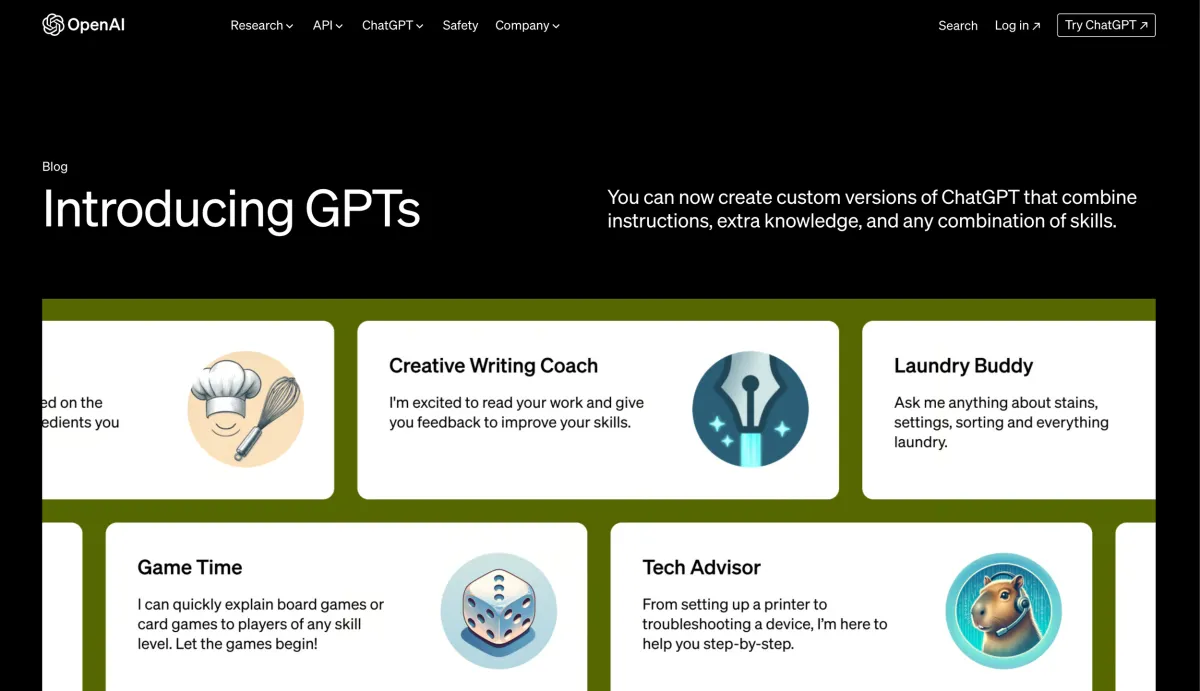
GPTs have been around since November but with the long delayed Open AI GPT Store finally about to launch they’re about to start getting the attention they deserve.
In case you don’t know, a GPT is a custom version of ChatGPT that you can tweak to do specific tasks. You can do this yourself, or you can enable one of the hundreds (possibly thousands) created by others. You can even (hopefully) make some money by creating ones that other people will use.
While the official store may not be live yet, several websites have sprung up to try and fill the gap such as GPTstore.ai and we’ve searched high and low to find three of the best to help you get things done at work.
So, without further ado, let’s enable some GPTs!
Canva GPT
By this point you’ve probably already heard of Canva the quick and easy online graphic design tool that’s used by over 100 million people to produce posters, social media graphics, slideshows, videos and much more. But with Canva GPT it’s famed ease of use reaches a whole new level. Simply open the GPT and describe the graphic you are trying to create. If it needs any more information it will ask before producing you a couple of options to choose from. Produce that LinkedIn image in 5 seconds flat!
Try Canva GPT
- Slide Maker GPT
There are several AI slide creation tools out there such as Tome and beautiful.ai but now you can create a first version of your slides directly within ChatGPT using Slide Maker. While the slides it generates will probably need a bit of extra work before you can present them, in our opinion they are equally as good (if not better) than what you can produce in the dedicated tools with the added advantage that you can download it at a Powerpoint straight away and continue working in a tool you’re familiar with.
Check out the slides I produced using it below:
Try Slide Maker GPT
- Logo Creator GPT
As anyone who has ever had to create a logo will know - the amount of ideas you have to choose from directly determines how good the final idea is. Now with Logo Creator GPT you can have infinite variations to choose from meaning that when you’re ready to make the final thing you’ll know exactly what you want. In my usage I found that it’s not very reliable with logos including text so I’d focus on images alone and add the text after if you want it. Also, at least when asking it to create a logo for an AI training business it kept wanting to use a robot mascot even when I asked for something more abstract but to be fair, AI is a difficult concept to visualise without using robots.
Here are the images I created:
Try Logo Creator GPT
All of these GPTs are ones we’ve tried an liked but there are loads out there and soon to be many more. Let us know your favourites in the comments and we’ll add them to this list!