





















Skip to content
Claude Cowork AI training workshop

Advanced Claude and Cowork Training

Advanced Claude training for people who already use it every day and are ready to hand over whole tasks, not just prompts.

  • Half-day session
  • In person or remote
  • 93% would recommend

10,000+ people trained across 500+ organisations

BT
Hilton
Three
Julius Bär
Quilter
Network Rail
Estee Lauder
WeWork
The AA
Bupa
London Business School
Kimberly-Clark
Frontier Economics
Candy Kittens
Amdocs
Young's Brewery
make.com
Dock & Bay
London & Partners
Montagu
BT
Hilton
Three
Julius Bär
Quilter
Network Rail
Estee Lauder
WeWork
The AA
Bupa
London Business School
Kimberly-Clark
Frontier Economics
Candy Kittens
Amdocs
Young's Brewery
make.com
Dock & Bay
London & Partners
Montagu

From prompts to whole tasks

Most teams plateau with Claude in the chat window. They write good prompts, get good answers and stop there. The real step up is Cowork and Claude Code: Claude working through a folder of files, running checks in parallel, building tools and dashboards, and doing jobs on a schedule while you get on with something else.

This hands-on session is for those confident daily users. We build it around your team’s own documents, models and recurring work, and we spend as much time on checking Claude’s output as on producing it, because that is what separates a useful agent from a confident mistake.

What people said after the class

100%

said the class will help them get more value from Claude at work

94%

enjoyed the class

93%

would recommend it to a colleague

5.4 hrs

average time each person expects to save every week

Post-class surveys from 32 attendees across four Advanced Claude classes at two global private equity firms.

Overall - AMAZING CLASS.
Operations and finance, private equity firm
I have built a skill for a regular piece of work i do
Private equity firm

What your team walks away knowing

Every session is built from scratch around your work, but every session builds the same foundations.

01

Claude working on your files

Setting up the Code tab in the Claude desktop app, choosing how much Claude may do before it asks, and having it interview you to write a CLAUDE.md file it reads at the start of every session.

02

Work that runs on a schedule

Setting up a monitor that searches your sources every week and reports only what changed, with a source for every point.

03

Getting the context right

Turning a messy document pack into clean text Claude can work with, and asking for quotes before analysis so every conclusion is anchored in the source.

04

Prompts that hold up

Structuring prompts with clear sections and examples to answer things like investor questionnaires in your house style, then improving the prompt rather than correcting the answer.

05

Checking with sub-agents

Running the same check three times in parallel with independent sub-agents, comparing what they found and knowing that agreement is not proof.

06

Writing your own quality tests

Having Claude interview you to write a test for good work, turning it into a review Skill, and using it on a deck built with Claude in PowerPoint from an Excel briefing pack.

07

Dashboards built on rules

Building a dashboard from a workbook where the data rules are written down and run as code, so errors are flagged rather than smoothed over.

08

Skills that load at the right time

Restructuring Skills so Claude only reads what it needs, testing that each one triggers on the right requests, and choosing the cheapest model that still passes your test.

The capstone

People finish by pointing what they have learned at their own work: a sourcing agent that checks its own evidence, a shared team brain or a scheduled chief-of-staff briefing that drafts but never sends.

Ready to take your team beyond the chat window?

We can usually map your highest-impact use cases in a single conversation.

Get in Touch

Built in our workshops

These came out of our advanced sessions. Each one hands a whole job to Claude and builds in the checks that make the result safe to rely on.

Board pack trend analysis

Compares consecutive monthly board packs to surface contradictions, restated figures and changed definitions with page references, run several times independently, then lists questions for management.

Deal sourcing agent with evidence checks

Searches public sources for companies that match the fund’s criteria and deal signals, cross-checks the CRM and uses a separate sub-agent to verify every source before a name reaches the shortlist.

Scheduled chief-of-staff briefing

Each weekday morning, triages email and calendar, drafts replies in your voice, briefs external meetings and flags overdue commitments, without sending anything.

Weekly sector news roundup

Combines deal newsletters in the inbox with web search into a ranked weekly roundup of deals, leadership changes, profit warnings and regulation, each with a source link.

Drawn from our anonymised client use case library.

The numbers behind the shift

Three signals from Anthropic’s own research on how Cowork is being used. Each links to its source.

33%

of sampled Cowork sessions were business process and operations work

Anthropic

8.7%

of sampled Cowork sessions were software development, so most use is everyday knowledge work

Anthropic

600k+

organisations in Anthropic’s May 2026 sample of 1.2m Cowork sessions

Anthropic

How we build it

Advanced sessions are shaped around one team’s work, so every exercise uses documents and tasks that look like theirs.

  1. 01

    Customisation Call

    A call to understand your team, the connectors and tools your IT team allows, and the work people most want to hand over.

  2. 02

    Building Tailored Exercises

    We build realistic invented files, such as management accounts with planted errors, so people practise on work that looks like theirs without sharing anything confidential.

  3. 03

    Workshop Delivery

    A hands-on session that moves from setup to advanced techniques, ending with stretch goals people choose for their own work.

  4. 04

    Review Call

    A follow-up call to see which Skills, agents and routines made it into everyday use and what to build next.

What’s included

Delivered in person at your offices, or remotely.

  • A customisation call and exercises built around your team’s work
  • Realistic practice files, so no confidential material is needed
  • A hands-on session with an instructor and a dedicated tutor in the room
  • Setup guidance for your IT team ahead of the day
  • A curated prompt library and cheat sheets
  • A follow-up review call

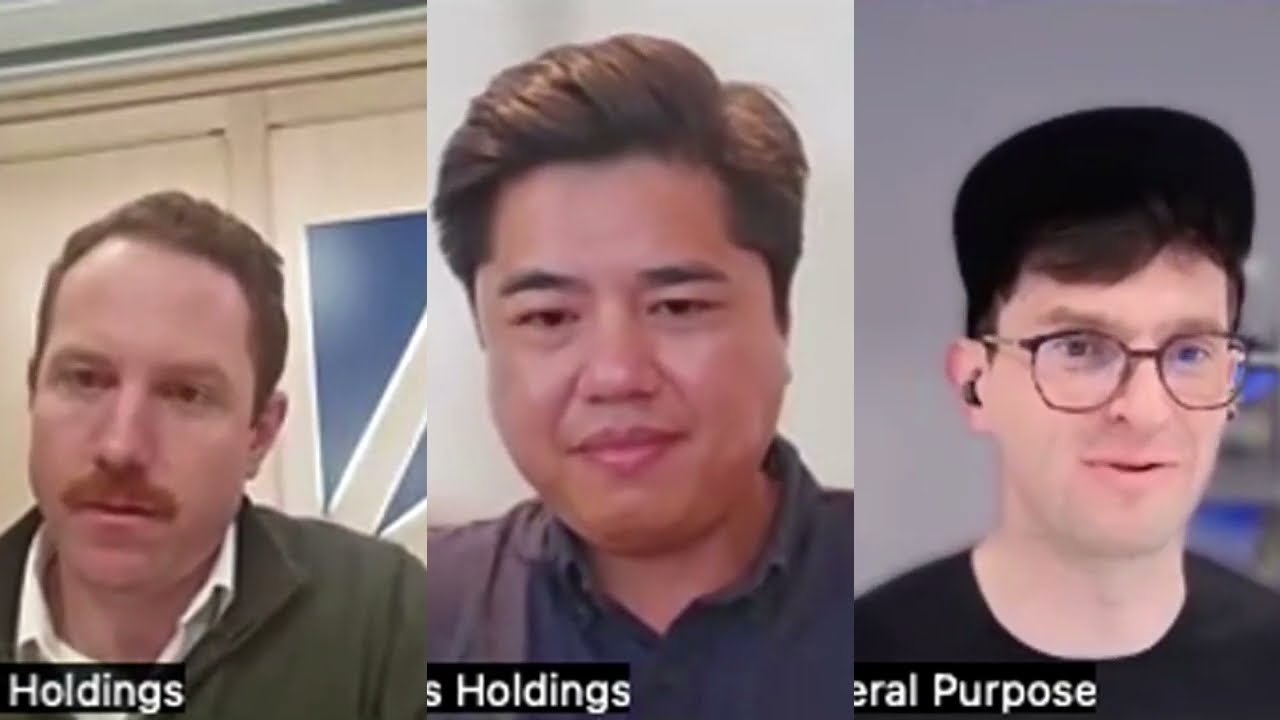
Case study: Access Holdings

Deal team AI training + AI offsite for portfolio leaders

Access Holdings, a private equity firm in Baltimore, trained 27 members of its deal team on Claude with us, then brought operators from across its portfolio together for a full-day AI value creation offsite.

33%
more time saved after training
£263,000
annual productivity recovered
Access Holdings AI training

Going further

Going further after the session

Once people are using Cowork and Claude Code day to day, the next step is turning individual wins into shared ways of working.

  • A shared team Project that acts as a second brain for ongoing work
  • Live dashboards that read current data through a connector
  • A library of tested Skills the whole team can rely on
  • Agents that check your CRM before anyone picks up the phone
  • Clear ownership, testing and review for every agent the team runs

Who it’s for

Confident daily Claude users

People who already get good results in chat and want to hand over bigger, multi-step jobs.

Deal and investment teams

Private equity, growth and fund teams working through board packs, models, questionnaires and sourcing.

Professional services

Advisers, legal, compliance and tax teams who need speed without losing the audit trail.

Your AI champions

The people others already ask for help, who will set the standard for how the wider firm uses Claude.

Who teaches it

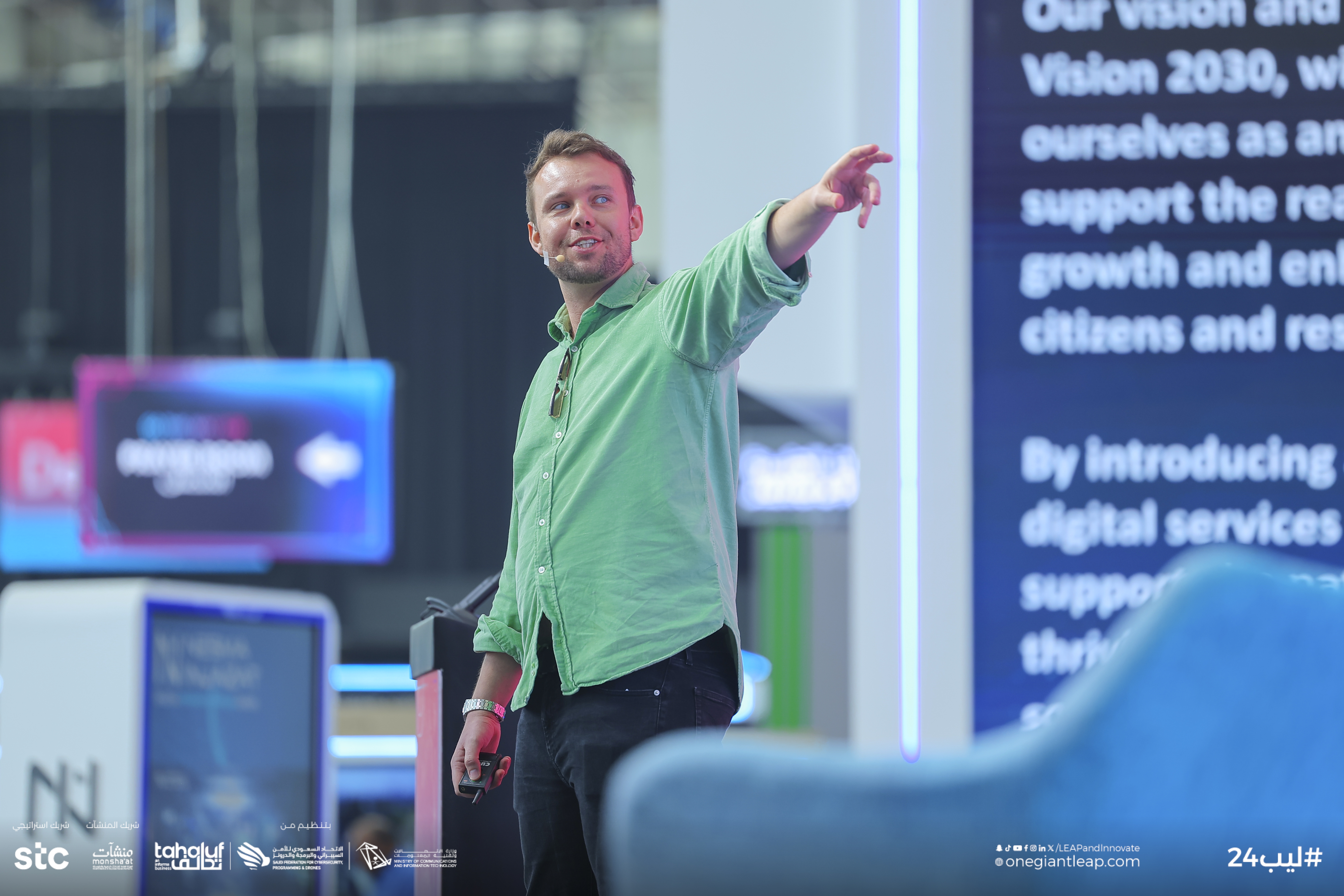
Every Claude Cowork session is led by one of our instructors, with a dedicated tutor in the room so nobody gets left behind.

Tom Hewitson

Tom Hewitson

Founder + Chief AI Officer

Susi Castle

Susi Castle

AI Instructor

Meena Sangar

Meena Sangar

AI Instructor

Charlie Cadbury

Charlie Cadbury

AI Instructor

Gerhild Pirker

Gerhild Pirker

AI Instructor

Louis Whittal

Louis Whittal

AI Instructor

Cien Solon

Cien Solon

AI Instructor

Aaron Jones

Aaron Jones

AI Instructor

Frequently asked questions

How is this different from Mastering Claude?

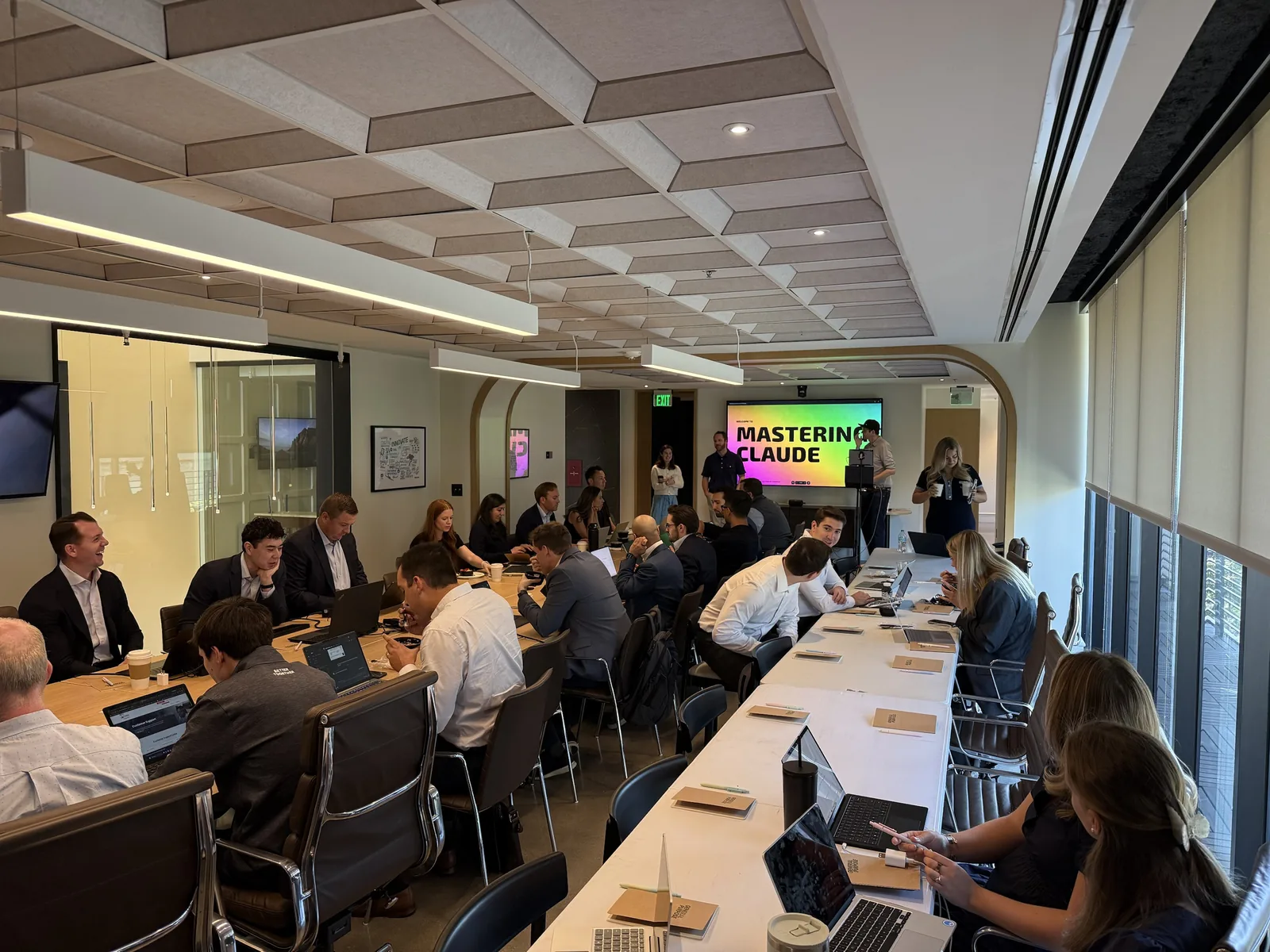
Mastering Claude gets a whole team confident with Claude in the chat window. This session assumes that is done. It moves people on to Cowork and Claude Code, sub-agents, Skills, scheduled tasks and writing their own tests, so they can hand over whole jobs and still trust the result.

What is Claude Cowork?

Cowork is Claude’s agent for longer, multi-step work: reading and creating files, using your connected apps, running checks in parallel and doing tasks on a schedule. Anthropic is now folding it into the main Claude app, so it is less a separate mode and more how Claude gets real work done.

Do people need technical skills?

No coding is needed. People should be comfortable using Claude every day. We use the Claude desktop app throughout, and we send your IT team a short setup checklist before the session.

Do we need to share confidential files?

No. We build realistic invented documents and workbooks that look like your team’s work, often with deliberate errors to catch, so nothing sensitive is needed.

Is the training in person or remote?

In person at your offices by default, with an instructor and a dedicated tutor in the room. We can run it remotely if that suits your team better.

Do you run Claude Cowork training courses in London?

Yes. We are based in Covent Garden, London, and run most sessions in person at clients’ offices in London and across the UK. We also work with teams worldwide, from Paris and Berlin to New York and Singapore, and can run sessions remotely when that suits better.

See what this looks like for your team

Tell us how your team already uses Claude and the work they most want to hand over, and we will design an advanced session around it.

Get in Touch