
The day Google stopped being the only game in town
AI is changing how we search and Answer Engine Optimisation is key if you want your business to remain visible online.
Tom Hewitson ·

Hands-on Gemini training so teams working in Google Workspace get real value from the AI built into their day.
10,000+ people trained across 500+ organisations

















Our Mastering Gemini Programme is a hands-on, bespoke half-day workshop that gives your team the knowledge, confidence and skills to use AI well in their day-to-day roles. It runs on Gemini and is built around your team’s real tasks and data, so people leave ready to apply what they’ve learned immediately.
For teams built on Google Workspace, Gemini sits right inside Docs, Sheets, Gmail and Meet. We build every session around the documents, sheets and inboxes your team already uses, so people leave knowing exactly where Gemini helps them move faster.
What people said after the class
100%
said the class will help them get more value from Gemini at work
95%
enjoyed the class
85%
would recommend it to a colleague
5.5 hrs
average time each person expects to save every week
Post-class surveys from our Gemini classes.
Great content and really great use of the tools…
the instructors were great and enthusiastic
Every session is built from scratch around your work, but every session builds the same foundations.
The AI trends shaping your industry and role, and where Gemini earns its place across Google Workspace.
How large language models work, including their real strengths and their genuine limits.
Setting up Saved info so Gemini carries your personal context, and using Temporary Chat for the tasks that should leave no trace.
Prompt engineering aimed at real business problems inside Docs, Sheets and Gmail, drafting in Canvas, working numbers through the Google Sheets side panel, and switching on Deep Think when a problem needs deeper reasoning.
Analysing data and news with Deep Research and its editable research plans, grounding answers in Google Search with double-check, listening back through Audio Overview, and setting up scheduled actions that run on their own.
Building Gems for your team’s recurring tasks and using Gemini Notebook, formerly NotebookLM, to turn dense source sets into something you can question and summarise.
Generating visuals with native image generation, creating video with Veo, and talking through problems hands-free with Gemini Live.
Scaling from personal productivity to shared, repeatable workflows across the team.
Using Gemini safely and ethically, covering bias, privacy and what the EU AI Act means for your team.
The capstone
Everyone finishes the session by packaging their work into a shareable Gem built around a task their team repeats, so people leave with a tool the whole team can use, not just notes.
We can usually map your highest-impact use cases in a single conversation.
Get in TouchWe work each one through your team’s real tasks, so people leave with repeatable ways of working rather than tricks they saw once.
Have it draw out the detail it needs before it answers, then keeps it as a note in your Instructions for Gemini for next time.
Anchoring the model in your own source material to cut hallucination, by working from the Drive files and sources your work already depends on.
Turning the model into a reviewer that argues the other side in the same chat, before anything goes to a client or the board.
Building a tone-of-voice guide from your real writing so drafts in Docs and Gmail read like you, or your firm, rather than generic AI.
Having it critique its own draft and then rewrite it in the same chat, so quality climbs without you doing the editing.
Asking the same question of two documents three times across three fresh chats, so you can see where the differences really are.
Making the model plan what the analysis should show first, then letting it run the analysis and build a dashboard from your data.
Convening a panel of personas to debate a decision in a new chat, with each persona given a believable background and position.
Our workshops are hands-on. People do not just learn features, they leave with working tools they have built around their own tasks. Here is a selection of what teams have built with us.
Pulls scattered Docs, Sheets and email inputs into one management summary, with the key numbers, risks and decisions needed, and flags any figures that conflict between sources.
Plans the analysis first, then explains the trends and anomalies in historical sales data and turns the findings into an interactive dashboard.
Works through a headcount or training uptake dataset step by step to find the gaps across the organisation, then presents the results as a dashboard.
Analyses a recurring partner data export, surfaces material trends and anomalies, and proposes dashboard views and follow-up questions without inventing missing data.
Drawn from our anonymised client use case library.
Three signals from Alphabet’s own reporting on how fast Gemini is scaling across the enterprise. Each links to its primary source.
Every programme follows the same eight steps, from a pre-workshop survey through to optional ongoing support, so the session is tailored to your team and you can see what it delivered.
01
Every attendee completes a short pre-workshop survey on how they use AI now and where they want to, so we start from real behaviour rather than assumptions.
02
A one-hour call where we present the survey results and tailor the workshop material to your team’s tasks and priorities.
03
We spend half a day building exercises around your real workflows, so the practice on the day maps to the work your team actually does.
04
The half-day hands-on workshop itself, delivered in person at your offices by default, or remotely if that suits your team better.
05
A follow-up survey to measure confidence, adoption and the time your team is saving after the training.
06
A report showing the use cases your team developed, the time saved, the ROI and how confidence levels shifted.
07
A follow-up call to go through the results together and agree the next steps.
08
An optional resurvey at three or six months to check adoption is sticking and see what support you need next.
Delivered in person at your offices, or remotely.
“An incredibly informative, educational and enjoyable course that helped me understand how AI can be utilised in several ways - and easily implemented to help me work smarter, not harder.”
Lewis Reynolds
Funding Associate, Thirty Percy Foundation
Going further
For teams already comfortable with the basics, our advanced session takes Gemini to team scale: shared Gems and skills, Gemini Notebook over whole document sets, Deep Research and Workspace Studio flows, with checks built in.
Teams and organisations built on Google Workspace.
Knowledge workers who spend their day in Docs, Sheets and Gmail.
Leaders who want capability and governance across the team, not just a few keen users.
Anyone who has tried Gemini for quick tasks and wants to go much further.
Other courses teams pair with this one.
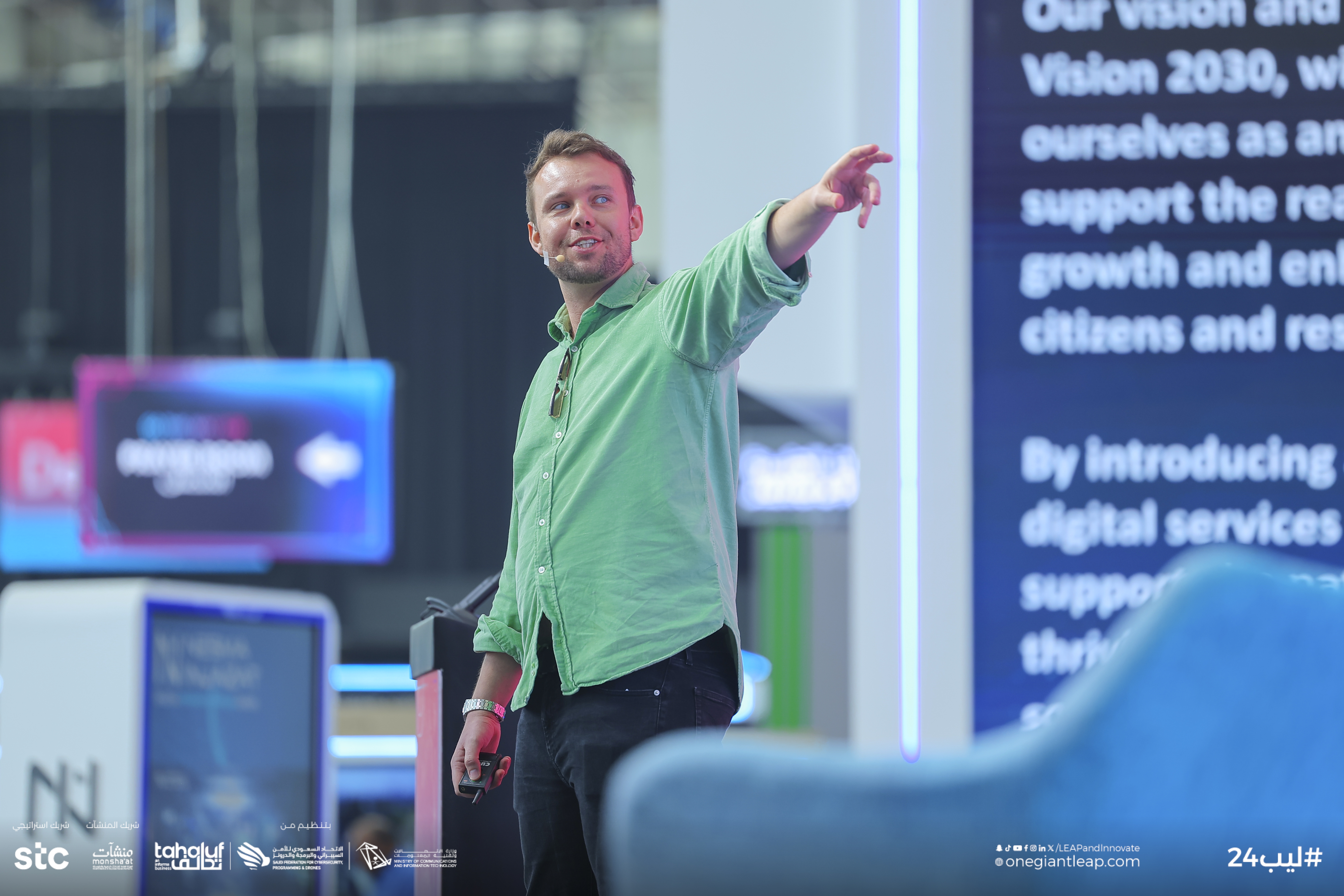
Every Gemini session is led by one of our instructors, with a dedicated tutor in the room so nobody gets left behind.

Founder + Chief AI Officer

AI Instructor

AI Instructor

AI Instructor

AI Instructor

AI Instructor

AI Instructor
AI Instructor
Yes. We focus on Gemini where your team actually works, inside Docs, Sheets, Gmail and Meet, and we weight the session towards the apps that matter most to you.
Yes. We cover Gemini Notebook, formerly NotebookLM, for turning dense source sets into something you can question, Gems for your team’s recurring tasks, and Deep Research with its editable research plans and Audio Overview. Everyone finishes the session by packaging their work into a shareable Gem.
Every programme is built from scratch around your workflows and documents, so the exercises use your real work rather than generic demos.
Yes. Sessions work for people who have barely tried Gemini as well as regular users, and the tutor in the room gives extra help to anyone who needs it.
If your organisation runs on Google Workspace, Gemini works inside the Gmail, Docs, Sheets and Drive files people already use. Many teams use more than one assistant, and we can cover each where it fits best.
No. We train on the Gemini features in your Google Workspace plan. If you also have Gemini Enterprise, Google’s separately sold agent platform, we can cover that too.
No. The course is for anyone who works in Google Workspace, and the instructor and tutor in the room make sure everyone keeps up.
In person at your offices by default, with an instructor and a dedicated tutor in the room. We can also run it remotely when that suits your team better. Every course runs as a single half-day session.
No. We build every session around the way your team already works, so people start with their own tasks and documents rather than abstract theory. Complete beginners and confident users get value from the same room.
Every attendee completes an AI Opportunities Survey before the workshop and a follow-up impact survey afterwards. You then get a Training Impact Report showing the use cases your team developed, the time saved, the ROI and how confidence levels shifted. We can also run an optional resurvey at three or six months to check adoption is sticking.
Yes. We are based in Covent Garden, London, and run most sessions in person at clients’ offices in London and across the UK. We also work with teams worldwide, from Paris and Berlin to New York and Singapore, and can run sessions remotely when that suits better.
From The Distillation, our newsletter on putting AI to work.
AI is changing how we search and Answer Engine Optimisation is key if you want your business to remain visible online.
Tom Hewitson ·
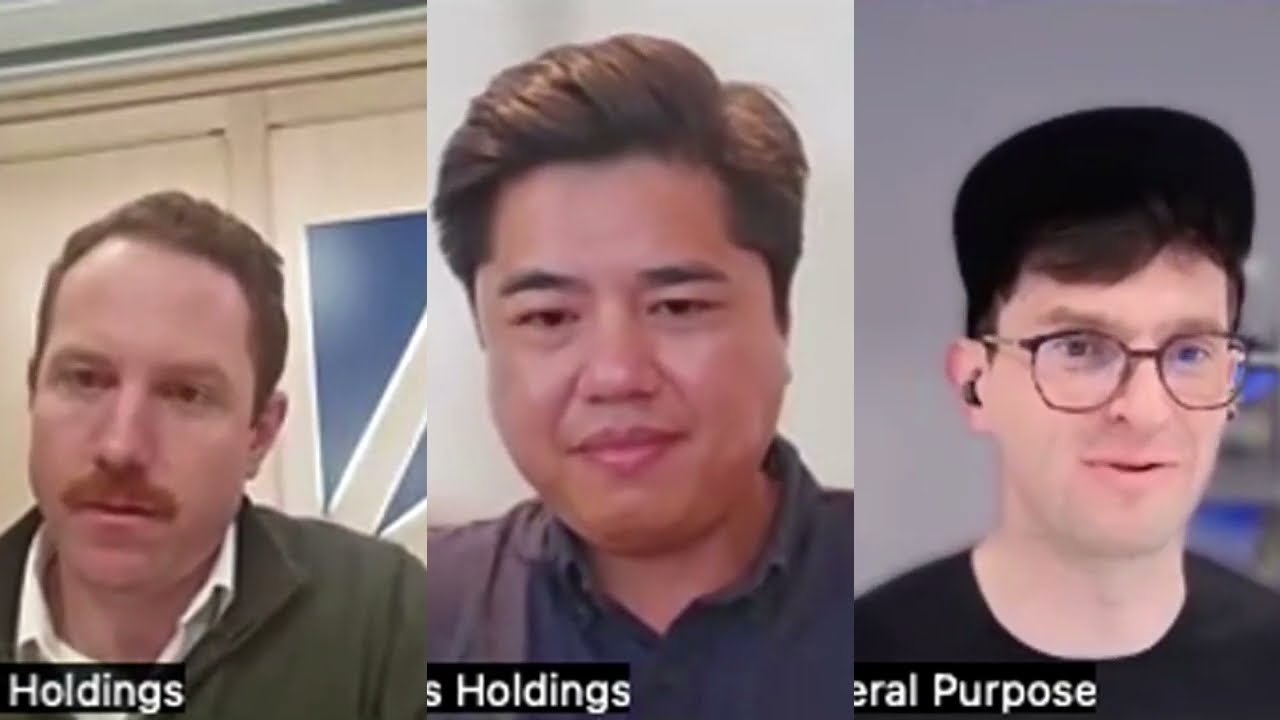
Access Holdings didn't wait for their portfolio companies to work it out. Other firms should take note.
Tom Hewitson ·
Why are so many AI projects stalling before they scale? From outdated systems to staff mistrust and rising costs, we break down the real barriers holding companies back. If your organisation is investing in AI but not seeing results, this is the read you need.
Tom Hewitson ·
Explore by industry
Tell us how your team works and we will design a bespoke Gemini programme around your actual documents, tools and tasks.
Get in TouchSources and further reading