
The day Google stopped being the only game in town
AI is changing how we search and Answer Engine Optimisation is key if you want your business to remain visible online.
Tom Hewitson ·

Advanced Gemini training for people who already use it every day and are ready to turn it into tools the whole team relies on.
10,000+ people trained across 500+ organisations

















Most teams use Gemini as a quick helper inside Gmail and Docs. The bigger step is building things that last: Gems and skills that do a recurring job the same way every time, notebooks that reason across a whole set of documents, and flows in Workspace Studio that keep work moving without you.
This hands-on session is for confident daily users. We build it around your team’s own documents and recurring work, and we spend as much time on checking the output as on producing it, so the tools people build are ones the team can trust.
What people say after our classes
97%
said the class will help them get more value from AI at work
97%
enjoyed the class
88%
would recommend it to a colleague
5 hrs
average time each person expects to save every week
Post-class surveys across our classes.
Every session is built from scratch around your work, but every session builds the same foundations.
Designing Gems, and the skills Google is replacing them with, around recurring work, with clear instructions and reference files so everyone gets the same result.
Loading a full set of sources into Gemini Notebook, formerly NotebookLM, questioning across all of them and checking every answer against its citation.
Editing the research plan before it runs, pointing it at the right Drive folders and web sources, and turning the report into something people will act on.
Describing a recurring process in plain English and building it as a flow in Google Workspace Studio, with a person checking anything that leaves the team.
Turning a messy document pack into material Gemini can work with, and asking for quotes before analysis so conclusions stay anchored in the source.
Running the same check several times independently, comparing the answers and knowing that agreement is not proof.
Having Gemini interview you to write a test for good work, then saving it as a Gem or skill that reviews drafts before they go anywhere.
Using Gemini in Sheets and Docs for analysis and drafting, with formulas and sources you can trace rather than numbers you have to take on trust.
The capstone
People finish by building something for their own work: a shared Gem for a recurring job, a notebook over a document set the team keeps asking about, or a Workspace Studio flow that drafts but never sends.
We can usually map your highest-impact use cases in a single conversation.
Get in TouchThese came out of our workshops. Each one turns a recurring job into a tool the team can reuse, with the checks that make it safe to rely on.
An assistant configured with a summary of an institution’s research code of conduct, so staff can ask policy questions and get consistent answers.
A notebook loaded with adoption research and company context that answers only from its sources and returns a 90-day plan with owners, barriers, risk controls and measures.
A weekly search of named regulator websites for changes to governance codes and listing rules, with what a board has to do about each.
Drawn from our anonymised client use case library.
Three signals from Google’s own reporting on how fast Gemini is spreading through the enterprise. Each links to its source.
Advanced sessions are shaped around one team’s work, so every exercise uses documents and tasks that look like theirs.
01
A call to understand your team, which Gemini and Workspace features your admins allow, and the work people most want to hand over.
02
We build realistic invented files, such as management accounts with planted errors, so people practise on work that looks like theirs without sharing anything confidential.
03
A hands-on session that moves from shared Gems and Gemini Notebook to Deep Research and Workspace Studio flows, ending with a build of their own.
04
A follow-up call to see which Gems and notebooks made it into everyday use and what to build next.
Delivered in person at your offices, or remotely.
Going further
Once people are building with Gemini day to day, the next step is turning individual wins into shared ways of working.
People who already get good results from Gemini and want to build tools that do whole jobs.
Firms that run on Gmail, Docs, Sheets and Drive and want more from Gemini than quick drafts.
Teams that work across large document sets and need answers they can trace to a source.
The people others already ask for help, who will set the standard for how the wider firm uses Gemini.
Other courses teams pair with this one.
Every Gemini session is led by one of our instructors, with a dedicated tutor in the room so nobody gets left behind.

Founder + Chief AI Officer

AI Instructor

AI Instructor

AI Instructor

AI Instructor

AI Instructor

AI Instructor
AI Instructor
Our Gemini training gets a whole team confident with Gemini across Workspace. This session assumes that is done. It moves people on to shared Gems and skills, Gemini Notebook, Deep Research and Workspace Studio flows, and to writing their own tests so they can trust what they build.
No coding is needed. People should be comfortable using Gemini every day. We send your Workspace admins a short checklist before the session so the right features are switched on. Some, such as Workspace Studio integrations, are off until an admin enables them.
No. We build realistic invented documents and workbooks that look like your team’s work, often with deliberate errors to catch, so nothing sensitive is needed.
In person at your offices by default, with an instructor and a dedicated tutor in the room. We can run it remotely if that suits your team better.
Yes. We are based in Covent Garden, London, and run most sessions in person at clients’ offices in London and across the UK. We also work with teams worldwide, from Paris and Berlin to New York and Singapore, and can run sessions remotely when that suits better.
From The Distillation, our newsletter on putting AI to work.
AI is changing how we search and Answer Engine Optimisation is key if you want your business to remain visible online.
Tom Hewitson ·
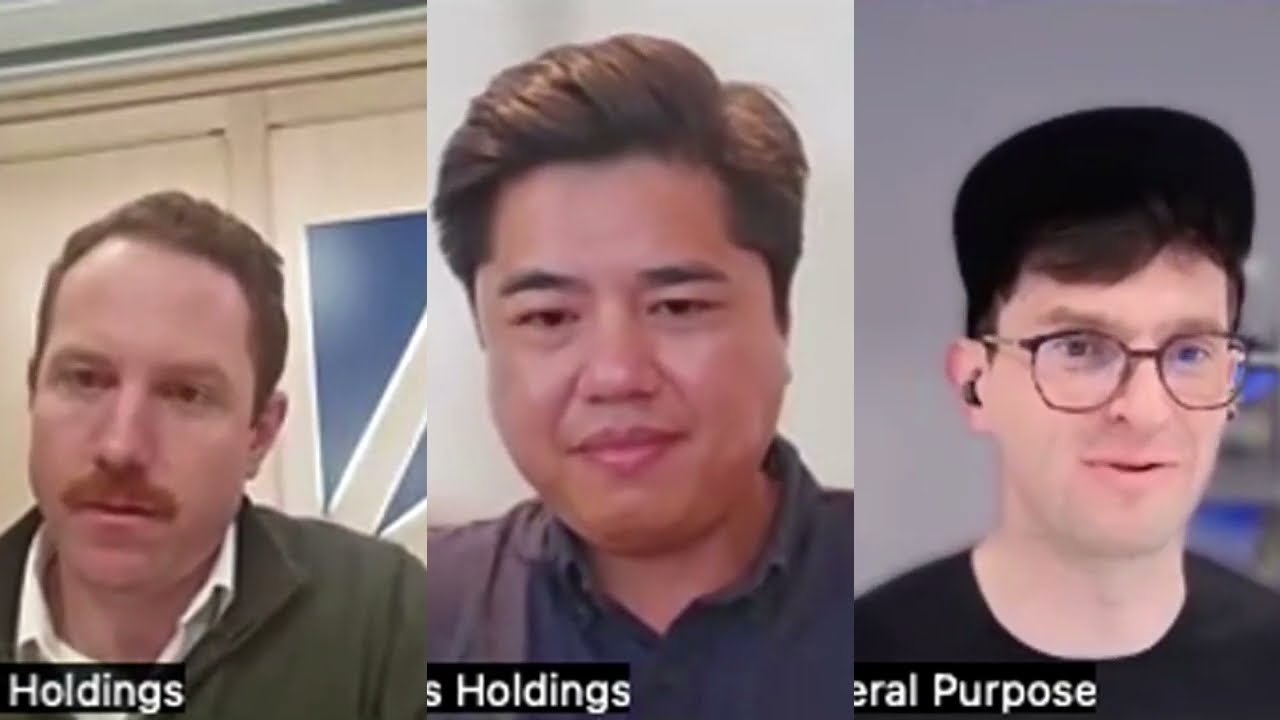
Access Holdings didn't wait for their portfolio companies to work it out. Other firms should take note.
Tom Hewitson ·
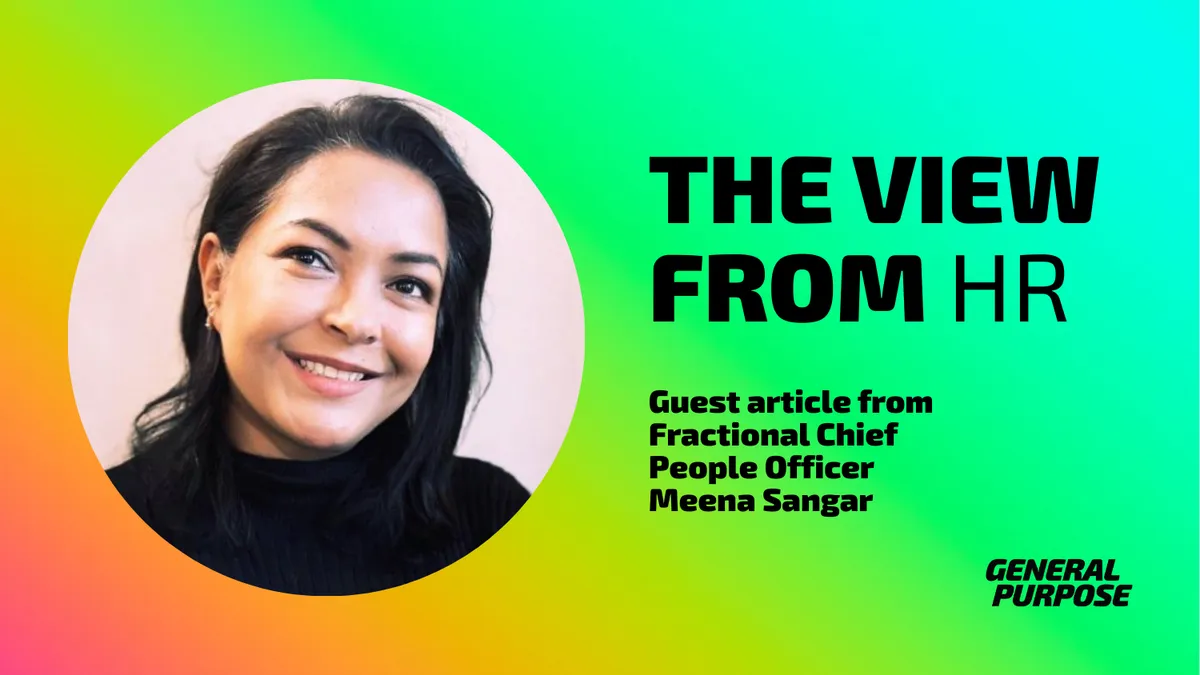
Most organisations have no AI governance programme. EU law already requires AI literacy. Here's why HR leaders must treat this as a people challenge, not a tech one.
Meena Sangar ·
Tell us how your team already uses Gemini and the work they most want to hand over, and we will design an advanced session around it.
Get in Touch